
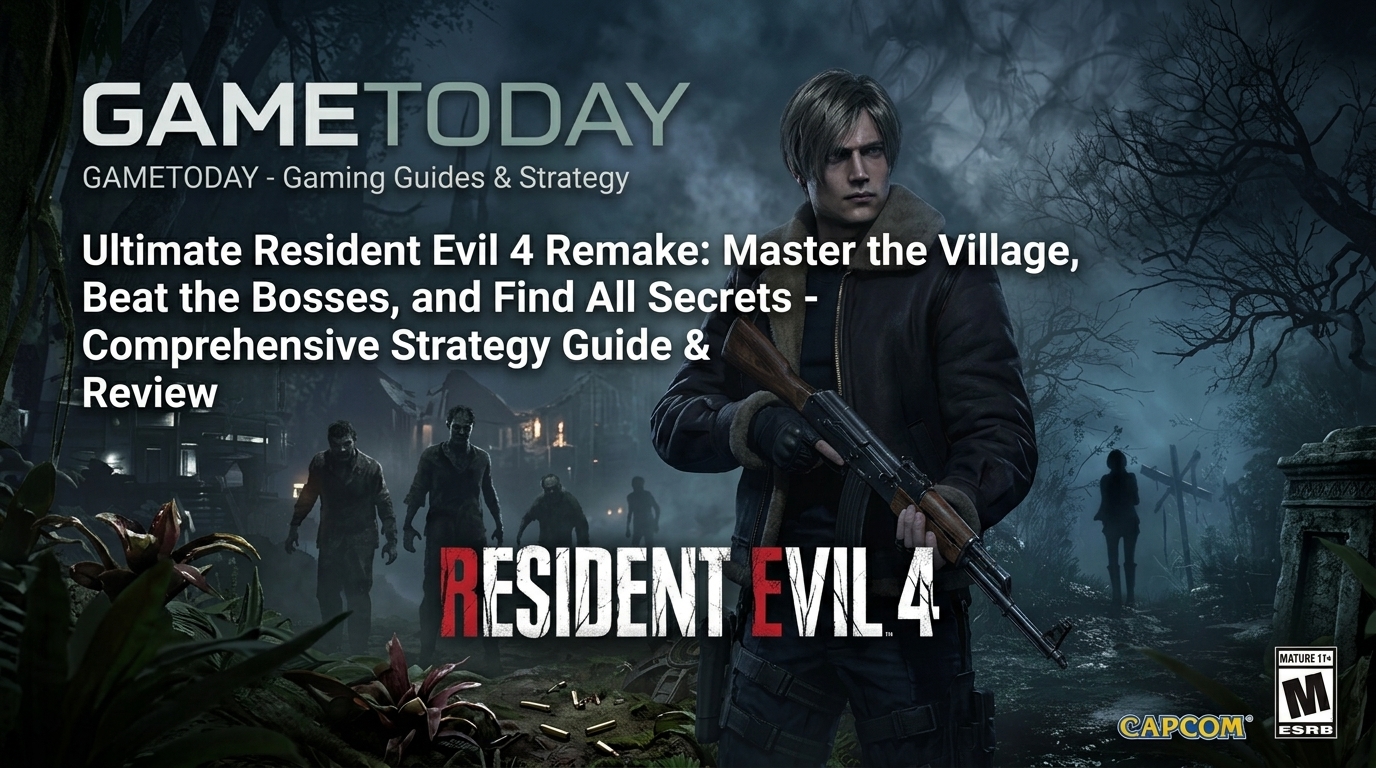
Ultimate Guide to Resident Evil: Pro Mechanics, Speedrun Tactics, and Complete PC Setup
Mastering the Survival Horror: Essential Mechanics and Tactical Foundations
To excel at high-level survival horror gameplay, you must reframe how you view resources and combat encounters. Every bullet saved during early encounters directly translates into higher survival probability during demanding boss fights later on. Advanced players constantly evaluate whether an enemy actually needs to be eliminated or if a quick stagger technique is sufficient. Aiming for limb destruction rather than headshots allows you to immobilize fast-moving targets while conserving vital ammunition reserves. Understanding enemy sightlines and agro radii helps you navigate complex environments without triggering unnecessary battle sequences that waste medical supplies. Environment management involves tracking where items are left behind so you can efficiently backtrack when inventory space opens up. Prioritizing inventory upgrades whenever they become available ensures that you never have to discard critical crafting materials during exploration. Mastering the quick-turn mechanic and maintaining spatial awareness prevents you from getting cornered by secondary threats operating in your periphery.
Achieving pro-level efficiency requires deep familiarity with weapon switching mechanics and frame-perfect actions during intensive combat engagements. Switching to a lightweight sidearm immediately after firing a high-caliber shot can shorten recovery animation frames and maintain continuous damage pressure. Learning to utilize defensive items reactively guarantees that you take zero health damage from surprise grappling attacks across all encounters. You should continuously scan room layouts for environmental hazards like explosive red barrels or weak structural points that can clear clusters. Managing combat spacing ensures that close-range enemies cannot close the distance while you perform reload actions or switch tool configurations. Observing subtle audio cues provides early warnings about approaching threats well before they enter your direct line of sight. Advanced movement techniques include baiting enemy attack animations, stepping backward outside their hit box, and immediately punishing their recovery window. Consistent application of these core combat tactics transforms chaotic survival situations into predictable, highly controlled tactical encounters.
Developing a meticulous strategy for map traversal drastically reduces time wasted on unnecessary backtracking and unneeded combat encounters. Memorizing puzzle locations, key item destinations, and shortcut unlocks enables a seamless flow through interconnected zone maps without hesitation. Efficient pathfinding minimizes exposure to wandering hazards while keeping your character close to safe rooms and save points. Always inspect key items in your inventory from multiple three-dimensional angles to discover hidden switches, secondary functions, or hidden compartments. Stash surplus ammo, health components, and secondary tools in storage boxes according to a clean visual grid so you can restock rapidly. Avoiding unnecessary combat in dark corridors preserves weapon durability and prevents flashbang usage, saving those utility items for mandatory boss arenas. Keeping an active mental inventory of locked doors ensures you return to clear out optional rewards as soon as keys are acquired. Flawless navigation relies on studying map color-coding systems that indicate whether a room has been thoroughly cleared of all collectible items.
Understanding the subtle AI behavioral patterns of primary stalkers and wandering enemies gives you an irreplaceable advantage throughout the campaign. Persistent chasers generally rely on line-of-sight visual tracking and directional audio cues generated by sprinting or unsuppressed gunfire. Walking carefully through high-risk corridors keeps your noise profile low, effectively preventing dynamic enemy spawns from locating your position prematurely. When pursued through tight hallways, slipping through doors and breaking line of sight allows you to break pursuit state much faster. Taking advantage of geometry features like central pillars or heavy furniture creates natural barriers to loop enemies while you wait for opening frames. Stalker-type enemies often have specific room restrictions, meaning recognized safe havens provide immediate respite for regrouping and strategy adjustments. Observing specific wind-up animations reveals precise dodge windows, turning high-damage enemy strikes into wasted efforts. Using environmental distractions draws groups of enemies away from objective items, clearing a safe path without spending a single round of ammunition.
Advanced Combat Tactics, Precision Resource Management, and Speedrun Secrets
Maximum resource conservation demands that every crafting decision aligns strictly with your current playstyle and upcoming scenario demands. Combining herbs into optimal tri-blend combinations yields significantly higher healing efficacy than using single or double herb preparations individually. Gunpowder variants should be systematically saved for high-value ammunition like magnum shells, shotgun rounds, or grenade launcher rounds depending on bottlenecks. Crafting decisions should always be deferred until you are directly outside a boss encounter to avoid clogging space with specialized ammo. Knife durability management is paramount, as maintaining a functional blade offers free finishing strikes on downed targets and essential grapple counters. Break open every wooden crate and examine hidden alcoves with your light source, as high-grade items are frequently concealed behind breakable props. Selling duplicate treasures or combining base collectibles with inlaid gems increases their total value dramatically before trading with in-game merchants. Disciplined resource management ensures that your arsenal remains fully upgraded and fully stocked even on the highest difficulty settings.
Boss fights require a clear balance between aggressive weak-point targeting and defensive spatial awareness across the entire combat area. Identifying specific elemental weaknesses or limb vulnerabilities allows you to cause massive stagger states that expose core critical hit zones. Utilizing utility grenades at precise moments interrupts destructive boss channel attacks and opens long damage windows for high-frequency DPS output. Always keep a clean retreat line open behind your character to prevent getting pinned against arena walls during sweeping enemy attack sequences. Timing your heaviest attacks to coincide with boss movement recovery guarantees maximum damage application without risking counter-retaliation damage. Saving heavy power weapons exclusively for multi-stage boss forms keeps standard encounters reliant on precise sidearm marksmanship and efficient knife executions. Monitoring arena supplies during boss encounters provides extra ammunition drops that spawn dynamically when your active primary reserves run low. Executing crisp dodge maneuvers and staying calm under heavy visual stress separates amateur attempts from effortless, clean boss victories.
Optimizing movement speed involves mastering subtle controls, removing unnecessary animations, and maintaining ideal positioning throughout every room transition. Aim-canceling certain animations can speed up recovery time after firing heavy weapons, allowing your character to resume movement instantly. Turning off motion blur and fine-tuning camera sensitivity settings improves visual clarity, making it easier to acquire targets rapidly during chaotic fights. Running along inner corner lines shortens total travel distance across large map zones, saving crucial seconds during timed speedrun challenges. Interacting with doors, ladders, and puzzle items while holding forward directional inputs ensures immediate transition triggers without awkward character stalling. Memorizing door interaction points lets you bypass slow opening animations by triggering prompts at the maximum possible interaction distance. Swapping to lightweight equipment like combat knives increases base movement velocity depending on specific internal game engine mechanics. Continuous refinement of movement efficiency turns lengthy survival horror adventures into streamlined, highly repeatable speedrunning runs.
Weapon upgrading strategies must prioritize firepower output, reload speeds, and critical hit chances to maximize your combat efficiency early on. Upgrading capacity stat lines doubles as a free ammunition refill, so timing capacity purchases when your magazine is empty provides maximum value. Shotgun upgrades should emphasize spread control and close-range impact power to consistently stagger aggressive targets attempting to breach your personal space. Upgrading precision rifles allows you to eliminate distant threats before they register your presence and close distance down narrow corridors. Investing in merchant modifications early compounds your tactical advantages, making mid-game resource management significantly easier across all chapters. Balancing weapon modifications across primary and secondary arms ensures you retain balanced tactical versatility regardless of which ammo type drops. Always weigh the investment cost of upgrading starter weapons against saving currency for late-game high-tier armaments with higher baseline stats. A properly optimized arsenal minimizes total time spent in active combat encounters while maximizing the performance of every round fired.
Unlocking Hidden Content, Secret Weapons, and High-Grade Equipment
Unlocking top-tier bonus weapons requires completing strict campaign challenges, high-difficulty speedruns, and achieving top S-plus rank evaluations. Earning the highest rank tier demands completing the game within strict time limits while restricting total manual save operations throughout the run. Bonus infinite-ammo weapons transform subsequent playthroughs into effortless destruction, allowing you to breeze through previously formidable boss encounters. Completing specific bonus challenge modes tests your mastery of combat mechanics under constrained equipment configurations and tight time limits. Collecting every hidden collectible scattered across the environment unlocks concept art, 3D character models, and bonus shop currency rewards. Special accessories unlocked via high-difficulty achievements provide permanent gameplay buffs such as increased melee damage or passive health regeneration. Experimenting with different difficulty modifiers forces you to adapt your routing strategies, item management, and combat reflexes to new baseline rules. Pushing through these elite challenges yields the ultimate completion status, showcasing absolute mastery over every aspect of the game.
Mercenaries modes and extra minigames demand a completely different mindset focused on speed, continuous kill combos, and aggressive score generation. Chain-killing enemies rapidly keeps the combo multiplier active, maximizing points gained per second throughout the arena timer limit. Memorizing time-extension orb locations across each map enables you to extend round durations and score significantly higher final tallies. Prioritizing high-threat special targets early prevents your character from getting swarmed while maintaining high combo momentum across waves. Utilizing map environmental hazards like explosive barrels on large groups yields massive point bonuses and clears space instantly. Maximizing score outputs requires strategic use of character-specific Mayhem abilities during peak enemy spawn densities within the arena. Balancing aggressive melee executions with quick firearm follow-ups optimizes time extensions dropped by defeated enemies during active runs. High-ranking leaderboards belong to players who seamlessly combine perfect routing, crowd control efficiency, and flawless combo retention mechanics.
Secret easter eggs, hidden lore notes, and obscure interactable objects enrich the overall narrative while offering subtle gameplay advantages. Reading every textual file scattered across research labs and abandoned mansions provides crucial clue hints for solving complex environment puzzles. Certain environmental details contain subtle visual callbacks to classic franchise entries, rewarding longtime fans who take time to observe backgrounds. Finding hidden safes or secret wall compartments requires sharp observation skills and thorough exploration of seemingly empty rooms. Unlocking unique costumes and visual filters alters the atmospheric presentation, giving repeated playthroughs a fresh aesthetic feel. Interacting with specific items multiple times can trigger hidden dialogue lines or alter certain cutscene events in unexpected ways. Secret easter eggs often reward inquisitive players with rare crafting components, bonus ammunition stashes, or unique lore background insights. Uncovering every hidden secret ensures that you experience the full visual and narrative depth crafted into the game world.
Customizing your gameplay experience through post-game bonus menus lets you tailor visual filters, audio mixes, and HUD parameters to personal taste. Toggling traditional fixed-camera visual styles or classic sound effects creates a nostalgic atmosphere reminiscing classic survival horror eras. Fine-tuning dynamic range audio controls enhances subtle environmental sound cues, making enemy footsteps and ambient growls clearer to locate. Adjusting HUD minimalism options immerses you completely into the dark world while forcing you to gauge health status via character posture. Customizing controller button layouts allows you to execute quick-turns, parries, and knife counters with maximum physical comfort and speed. Visual filter options can enhance shadow contrast, making low-light jungle or interior areas look strikingly crisp on high-resolution displays. Photo mode features allow players to capture high-detail action shots, showcasing precise combat animations and dramatic atmospheric lighting effects. Personalizing these operational settings maximizes enjoyment, immersion, and mechanical performance during every single game session.
PC System Requirements, Optimization, and Technical Troubleshooting
Meeting recommended hardware specifications is essential for achieving high framerates, crisp resolutions, and fluid input responsiveness during intense gameplay. Installing the software onto a high-speed solid-state drive drastically cuts loading times and prevents texture streaming pop-in during fast movement. Modern quad-core or octa-core processors ensure that complex AI tracking routines and physics calculations run without causing unexpected frame drops. Generous system memory allocations prevent stuttering issues when transitioning between massive open exterior regions and dense interior corridors. Dedicated graphics cards equipped with high video memory capacity handle ray-tracing effects, complex volumetric fog, and high-resolution shadow maps seamlessly. Checking driver updates prior to launching ensures your system utilizes application-specific optimizations released by graphics card manufacturers. Adjusting render scaling settings helps maintain a rock-solid target framerate without compromising overall image sharpness on higher resolution displays. A well-optimized hardware configuration guarantees smooth performance, allowing you to react instantly to sudden jumpscares and fast-paced combat triggers.
Navigating graphics settings menus enables you to achieve the perfect balance between high-fidelity visuals and ultra-smooth frame rates. Lowering resource-heavy settings like screen space reflections and dynamic shadows yields substantial framerate gains with minimal loss in visual quality. Utilizing modern upscaling technologies like DLSS, FSR, or XeSS improves rendering performance significantly while preserving clean edge sharpness. Adjusting field of view settings reduces peripheral motion sickness while providing better spatial awareness during close-quarters encounters with multiple enemies. Disabling chromatic aberration and motion blur improves visual clarity, making it easier to spot small items and distant targets quickly. Capping frame rates to match your monitor’s native refresh rate prevents screen tearing artifacts and reduces operational GPU thermal output. Volumetric lighting and ambient occlusion options add profound depth to dark corridors, but dropping them slightly stabilizes low-end performance. Methodical graphics tuning ensures a stable presentation that enhances both visual horror atmosphere and precise gameplay execution.
Troubleshooting common technical hiccups like crashing, low framerates, or audio desynchronization requires a structured process of elimination. Verifying game file integrity through your digital store launcher resolves corrupted asset files that cause sudden crashes during loading screens. Running the application as an administrator prevents permission conflicts that might block save files from writing properly to storage drives. Closing background applications frees up valuable CPU processing threads and RAM capacity for dedicated background rendering performance. Updating operating system components guarantees full compatibility with modern DirectX rendering pipelines and sound device drivers. Disabling overlay software from recording programs or chat applications can eliminate mysterious framerate stutters and unexpected window minimizations. Adjusting audio output formats within system settings fixes missing voiceover audio or distorted sound effects during high-channel cutscene sequences. Taking these proactive system maintenance steps ensures a stable, hassle-free gaming environment free from immersion-breaking technical disruptions.
Modding communities offer incredible custom enhancements, ranging from graphical reshade presets to unique gameplay overhaul modifications. Installing custom texture packs elevates visual detail across characters, weapons, and environments beyond standard base game graphics options. Gameplay mods can rebalance item drops, increase enemy spawn counts, or introduce classic fixed-camera perspectives for seasoned challenge seekers. Utility mods provide expanded field-of-view sliders, custom HUD toggles, and advanced performance metric overlays for deep technical customization. Always back up your original installation files and save directories before applying third-party modification files to prevent data loss. Utilizing dedicated mod management software simplifies installation procedures, enabling easy toggles between modded and unmodded game states. Community-created quality of life tweaks often address niche technical bugs faster than official developer patches can be deployed. Exploring user-generated modding content extends replayability dramatically, offering fresh ways to experience your favorite survival horror campaign.
Step-by-Step Installation Guide for Steam and Digital PC Platforms
Preparing your PC for a fresh digital installation begins with verifying available disk space and ensuring network stability for downloading. Check that your storage device has sufficient free space beyond the base download size to accommodate future updates and patches. Using a wired Ethernet connection rather than wireless internet guarantees stable download speeds and prevents corrupted installation data packets. Open your primary digital gaming platform software and sign in using your official account credentials to access your library. Navigate directly to your digital game collection, select the target title, and click the prominent install button on screen. Choose your preferred installation directory path, selecting your fastest solid-state drive to ensure optimal game loading speeds. Review the initial installation options, including desktop shortcut creation and automated background update settings, before proceeding to confirmation. Confirming these preliminary parameters initiates the automated background download and installation pipeline across your system environment.
Managing the active download process ensures that all game assets, voiceover packs, and day-one patches download smoothly without interruptions. Monitor the download progress bar within your client interface to track transfer speeds, remaining data size, and estimated time remaining. Avoid running bandwidth-heavy network applications or heavy downloading tasks concurrently to maximize transfer efficiency to your local drive. The digital distribution platform will automatically decompress downloaded data packets and install system files into designated application folders. Once file transfer completes, the software launcher performs an automated checksum verification check to confirm file integrity across all directories. Mandatory day-one patches integrate automatically during this phase, ensuring your installation contains the latest performance fixes and balancing adjustments. Ensure your firewall settings grant full network access permissions to the application to support prospective online features and achievements. Completing the download process leaves your system completely prepared for initial launch configurations and introductory game setups.
Executing the initial game boot sequence initiates first-time setup routines, including redistributable installation and initial graphics card auto-detection. Launch the game directly through your digital library client to ensure proper account authentication, cloud save synchronization, and achievement tracking. During first launch, Windows may prompt you to install essential DirectX or Visual C++ runtime packages required for execution. Allow these auxiliary installer routines to complete fully before attempting to bypass initial splash screens or opening cinematic videos. Upon reaching the main menu, navigate immediately to system settings to configure basic display resolutions, aspect ratios, and language options. Set your preferred audio output profile to match your headset or speaker configuration for accurate three-dimensional directional sound positioning. Adjust gamma brightness levels according to on-screen test markers to ensure shadow details remain visible without washing out black levels. Saving these initial configuration choices prepares your system for a perfectly optimized first campaign session.
Maintaining your installed game environment requires keeping tracking updates, managing cloud saves, and periodically cleaning out temporary cache files. Enable automated update options within your digital launcher settings to receive performance patches and content drops automatically. Verify that cloud save functionality remains active so your game progression synchronizes safely across multiple PC devices or drive re-images. Periodically clearing system shaders or GPU cache files fixes micro-stuttering issues that might develop after major graphic driver updates. If you encounter unexpected performance degradation after updates, verifying file integrity through launcher menus quickly repairs altered assets. Maintain organized save slot management by periodically deleting obsolete manual saves directly through the in-game management interface. Keeping your digital library, graphics drivers, and operating system maintained ensures long-term operational stability and flawless gaming performance. Proper setup maintenance guarantees that every time you launch the title, you experience optimal performance, immersion, and gameplay responsiveness.