


Beginner Basics Guide to Free Fire
Game Overview
Free Fire, also known as Garena Free Fire, is currently one of the most popular global mobile games. If you are looking for entertainment that can keep you playing for hours, this game is worth trying. To help new gamers get started without confusion, this guide covers the core basics of how a match functions.
How a Battle Royale Match Works
Free Fire is a Battle Royale mobile game where a large group of 50 players drops onto an island filled with weapons and equipment. Players fight in a free-for-all environment, and the last player standing wins the match, securing a Booyah. Winning is not a matter of randomly pressing buttons, as you will face expert players. To succeed, you must learn the controls and game mechanics.
Home Screen and Initial Setup
When launching the game, players must log in using a newly created account or through Facebook. From the home screen, you can manage options such as selecting your character, changing clothes, managing your pet, completing daily challenges, chatting with friends, or visiting the store to purchase items. Clicking the large start button places you into a lobby concert area with other players. This acts as a preparation phase while waiting for all 50 spots to fill.
Landing and Movement Controls
Once the preparation phase ends, players appear in an airplane and must jump out to their desired location on the island map. Certain locations contain better loot, while other locations feature higher enemy concentrations.
After landing, master the two primary controls:
- Movement Circle: Located on the left side of the screen, used to move your character.
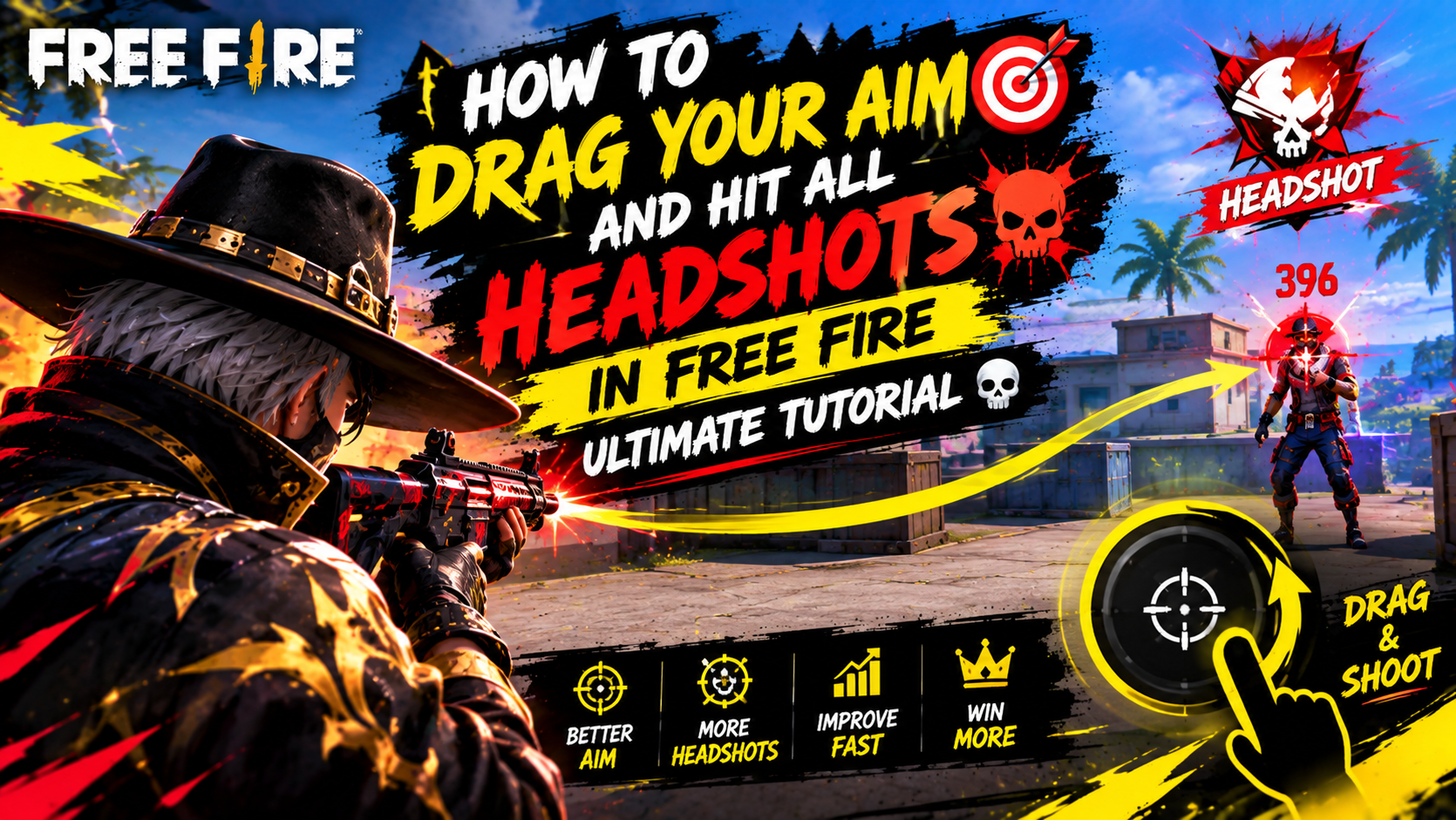
- Camera Look: Tapping and dragging the right side of the screen with your thumb allows you to change where you are looking.
- Sprint Button: Positioned above the movement circle, tapping this button allows you to move forward faster while exploring surroundings.
Weapons and Combat Mechanics
The primary objective upon landing is to search for equipment, especially weapons, by picking up glowing items found on the ground. Player inventory space allows for:
- Two large primary weapons
- One pistol-type firearm
- One melee weapon
- Various types of throwables
To switch between weapons, tap on the specific item icon. To reload, tap on the currently active weapon.
Combat features two main firing controls on the right side of the screen:
- Hip Fire Button: Marked with a bullet icon, used to fire directly from the hip in the direction you are facing.
- Aim Button: Located slightly higher, allowing for increased accuracy with automatic aim lock onto nearby enemies.
When encountering an enemy, fire quickly to eliminate them and claim the items they were carrying.
Movement Controls and Protection Items
To take cover, improve precision, or maneuver around obstacles, utilize the action buttons surrounding the fire control:
- Jump Button: Used to leap over low walls and obstacles.
- Crouch Button: Lowers your stance for stealth and accuracy.
- Prone Button: Lays your character completely flat on the ground.
Defensive equipment and items are critical for survival:
- Helmets: Reduce damage taken from headshots.
- Body Armor: Reduces damage taken from body shots (both helmets and armor feature various efficacy levels).
- Ammunition & First Aid Kits: Ammo fuels weapons, while medical kits heal health points. To use a kit, tap the left-side icon while in a safe spot.
- Backpacks: Increase carrying capacity for items. Unneeded items can be dropped by opening the backpack menu.
- Weapon Upgrades: Pick up weapon attachments to improve overall match performance.
Map Awareness, Safe Zone, and Winning
Always monitor the main map for active hazard zones. Certain marked areas reveal your position to enemies, while red zones indicate active bombardment.
The most critical map mechanic is the Safe Zone, indicated by a shrinking white circle:
- A shrinking storm surrounds the safe zone over time.
- Staying outside the white circle causes continuous health damage from the storm, leading to elimination.
- Track the safe zone timers and move toward the center continuously.
By mastering movement, looting, aiming, and zone awareness, players can outlast opponents to become the last player standing and claim their first Booyah.



Leave a Reply